
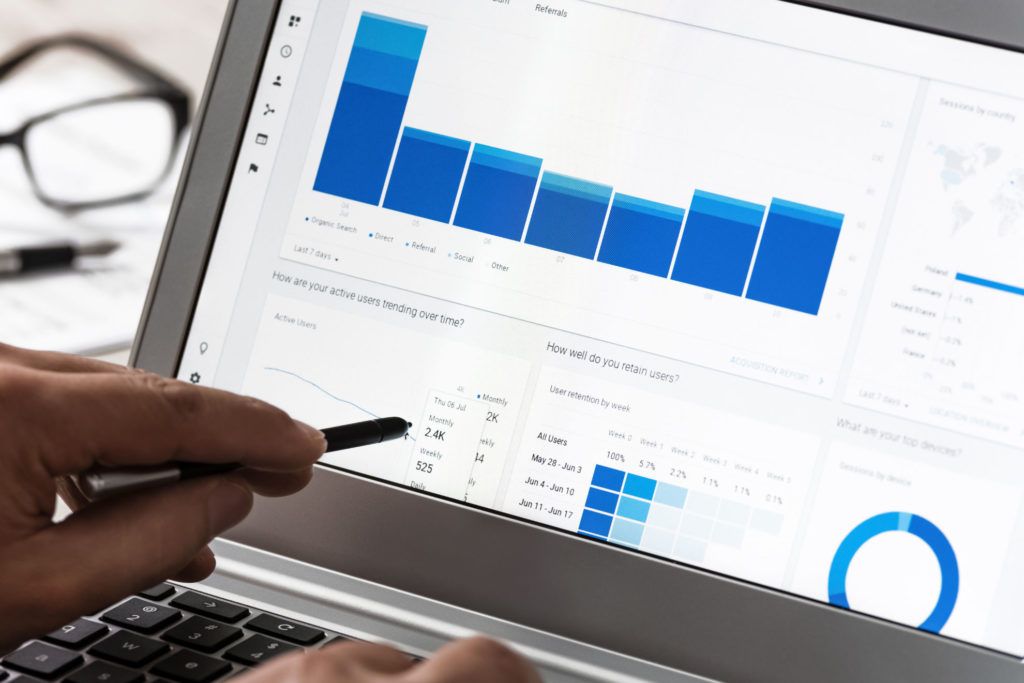
Have you ever wondered what the “Direct traffic” category in your Google Analytics report represents? It’s a metric that measures how many people visit your website without going through any other website. This could be because they typed in your URL directly, bookmarked it, or came from a link in an email or an app like WhatsApp. It doesn’t include people who come from other websites, which makes it a valuable metric for tracking how many people are finding you without any extra help.
What direct traffic means
When you want to know where your visitors are coming from, Google Analytics provides this information in its reports. If it can’t track the source of the traffic, it gets categorized as “Direct.”
“A session is processed as direct traffic when no information about the referral source is available, or when the referring source or search term has been configured to be ignored.” — Google
Examples of direct traffic
- Typing the URL directly into the browser
- Links shared within messengers like WhatsApp, Facebook Messenger, or Skype
- Bookmarks
- Offline documents like PDF, Word, or Excel files
- Email links that are broken or missing attribution
Potential downsides of a high direct traffic percentage
Having a high percentage of direct traffic can be seen as both a good and a bad thing. The bad side is that it can mean you aren’t getting enough traffic from other sources, such as organic search — often because your site isn’t optimized for search or your audience isn’t searching for you yet. If that’s the case, it’s worth investing in SEO to diversify where your traffic comes from.
The good side is that it usually means people already know about your website and are interested in what you offer, which means they’re more likely to convert without you having to work as hard to attract them.
Where to find direct traffic in your own account
Go to Acquisition > All Traffic > Channels, then look for the “Direct” channel. You can add a secondary dimension of “Page” to see which pages are accessed most frequently by people who arrive directly.
Direct traffic vs. organic search
Direct traffic comes from a user typing your URL directly, as opposed to clicking a link from another site. Organic search traffic comes from people finding you through a search engine like Google. Both matter: direct traffic often reflects brand awareness, while organic traffic reflects how well you rank for relevant keywords. Tracking both gives you a fuller picture of what’s working.
How to improve your direct traffic results
If you’re concerned about your direct traffic percentage, a few things help: optimize your site for search engines with the right keywords and quality content, market your site through social media and other channels, and get listed in relevant directories so people can find you more easily.
To make more of your traffic trackable in the first place:
- Use keyword-rich anchor text when linking to your site from other places
- Use UTM parameters when sharing links so you can see exactly where traffic originates
- Use social media deliberately to drive traffic you can then attribute
How businesses use direct traffic data
Businesses use direct traffic data to understand customer behavior, track the performance of specific campaigns by comparing which landing pages see the most direct traffic, and segment audiences by understanding which demographics are most likely to visit directly, then tailoring marketing messages accordingly.
Conclusion
Direct traffic isn’t bad. In fact, it can be a valuable signal of brand awareness and marketing performance. The key is understanding what’s driving it, and pairing it with UTM tracking and organic search work so fewer of your sessions end up in the “we don’t actually know” bucket.